MakerPlace
Design and build a seller-focused MakerPlace experience to help crafters list, manage, and sell handmade goods through Michaels’ commerce platform—making onboarding simple, listings attractive, and order management efficient.
Problem
Independent makers struggled with a fragmented, DIY listing process that lowered listing quality, increased time-to-publish, and reduced conversion. Sellers needed clearer guidance, faster workflows, and tools to present products in a way that resonates with Michaels’ customers.
Goals
Reduce seller onboarding time and time-to-first-listing.
Improve listing quality (images, descriptions, tags) to boost findability and conversion.
Streamline order and inventory management for small-scale sellers.
Provide clear analytics and support to help sellers iterate.
Design approach
Onboarding & guided listing: progressive, modular flow that guides sellers through photos, title, description, pricing, tags, and shipping—using inline tips, examples, and validation to improve quality.
Listing templates & presets: category-specific templates with default shipping, materials, and tag suggestions to speed publishing and improve discoverability.
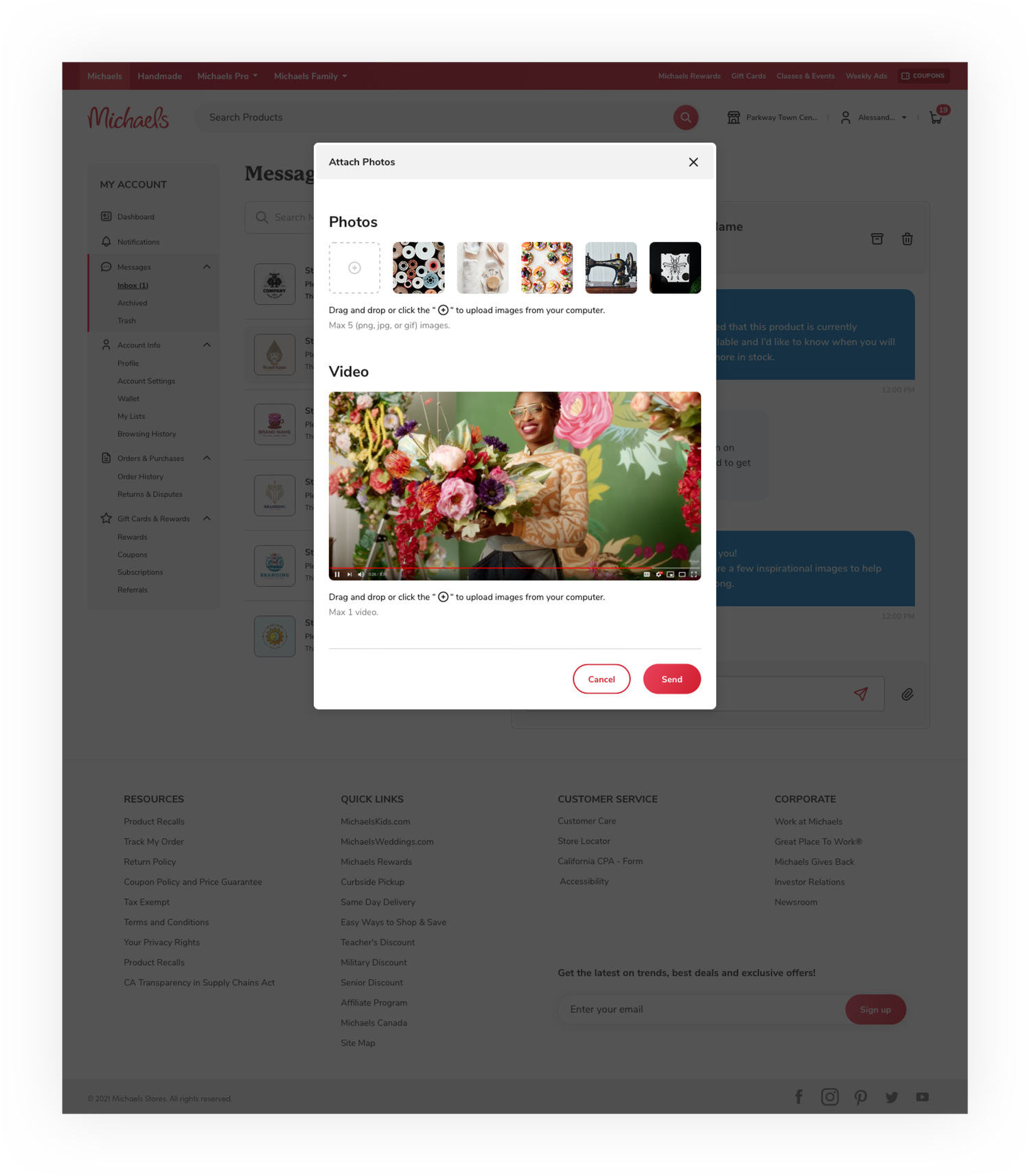
Visual-first editor: simple image tools (crop, aspect presets), recommended photo guidelines, and live preview to show how listings appear on the storefront.
Bulk & mobile workflows: CSV/Excel bulk upload with preview and error reporting; mobile-optimized quick-list flow for phone-first sellers.
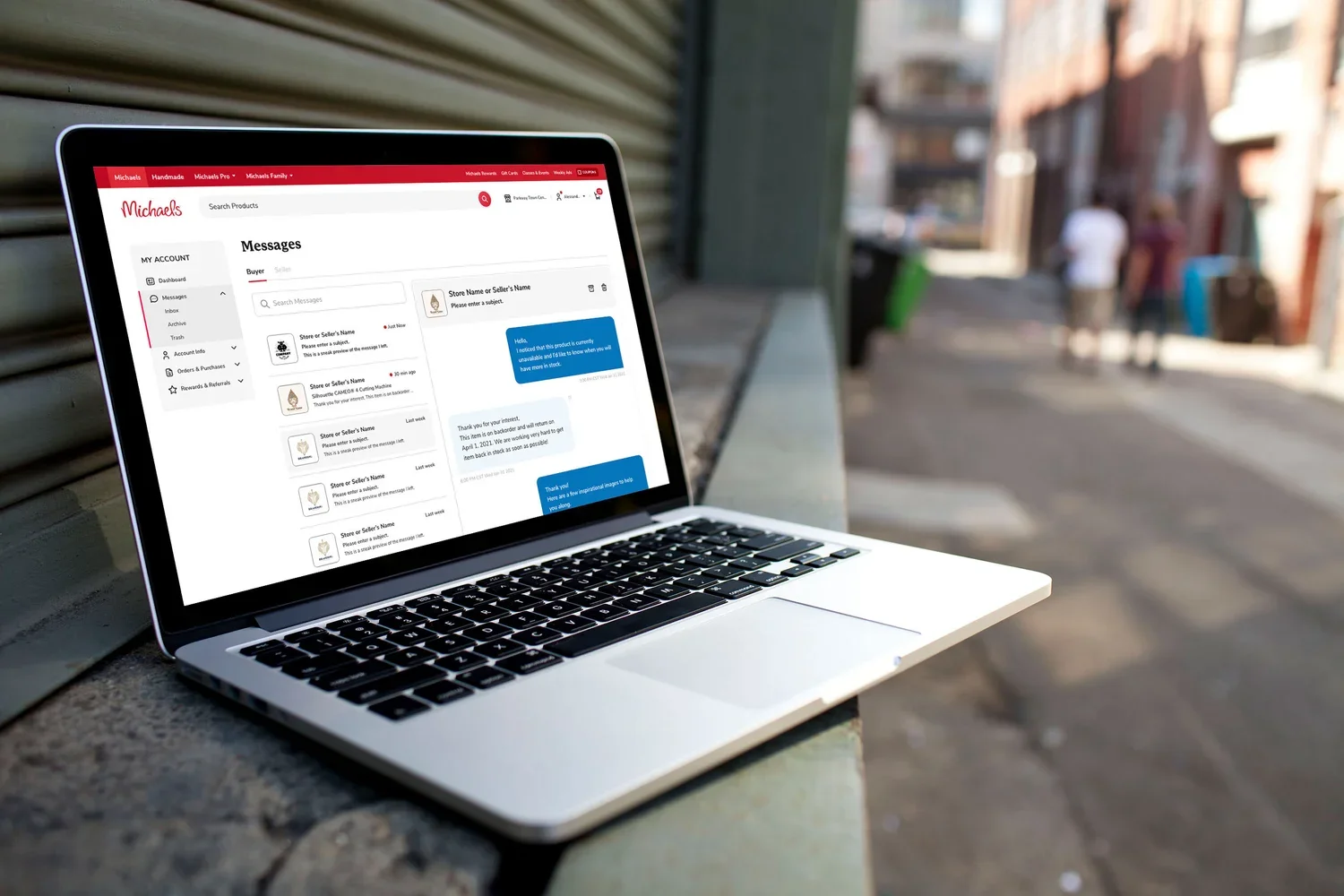
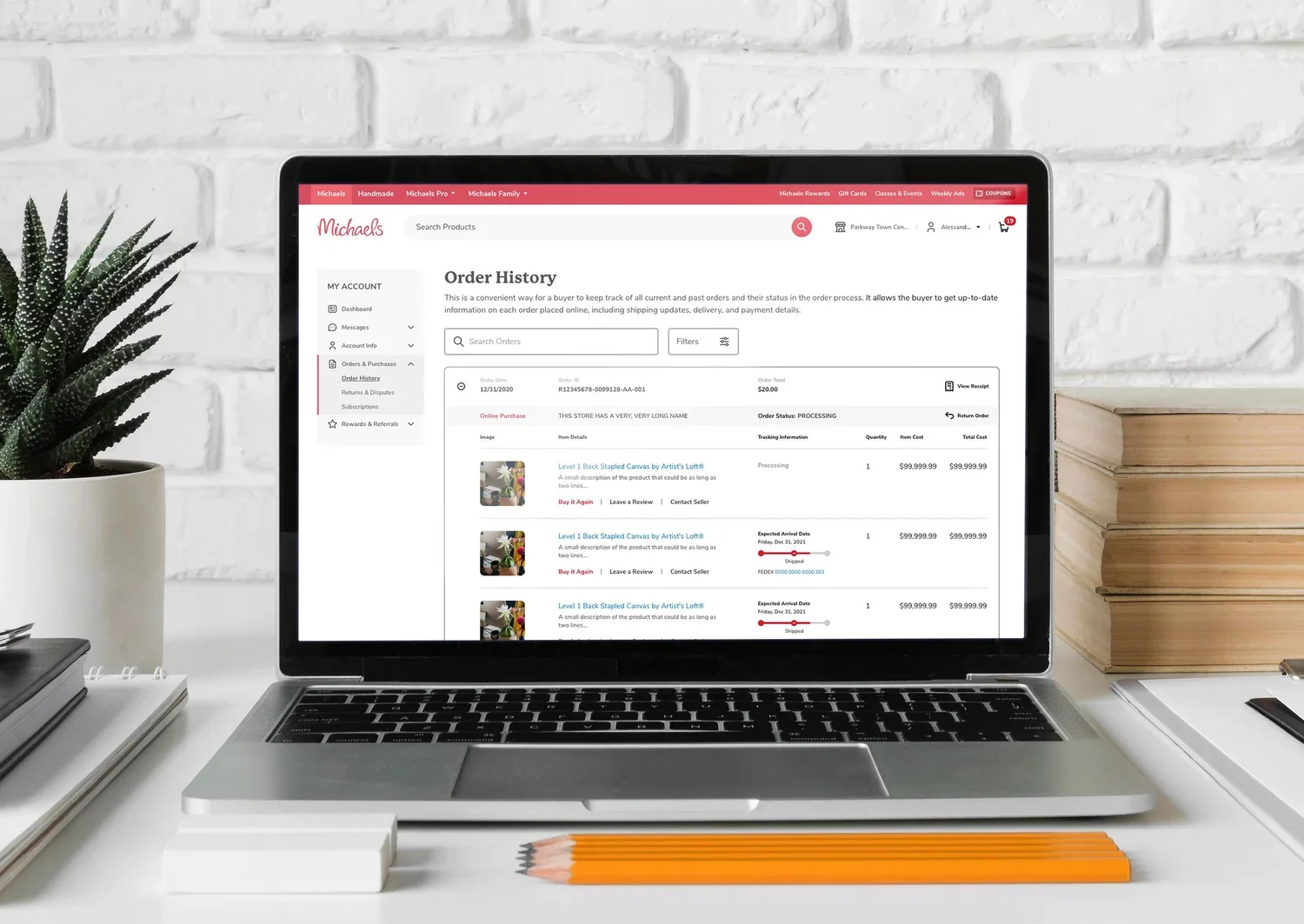
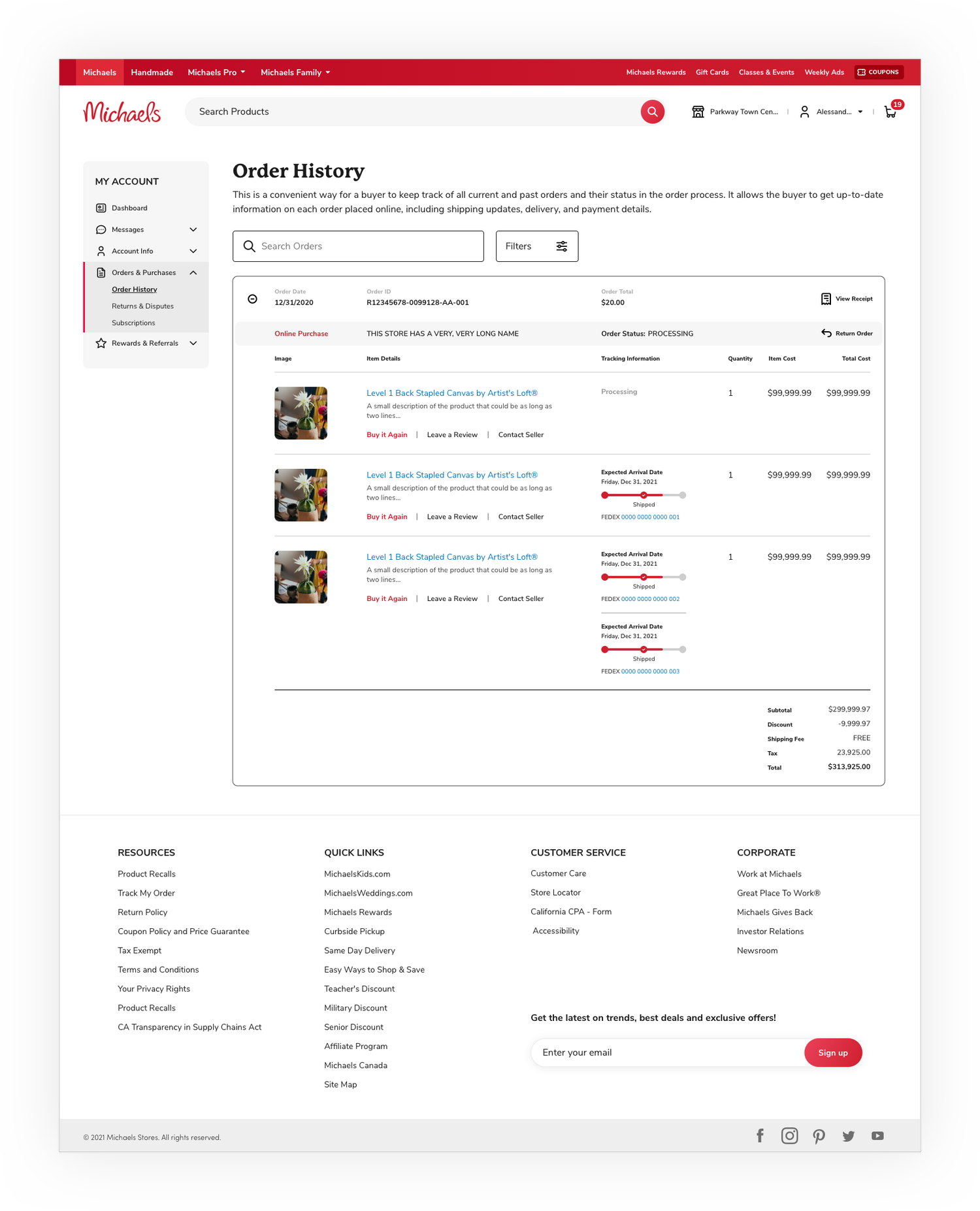
Order & inventory dashboard: clear status indicators, fulfillment actions, returns handling, and low-stock alerts.
Seller insights & promotions: basic analytics (views, conversions, top SKUs), promotional features (discount codes, featured placement), and integrated social-share CTA.
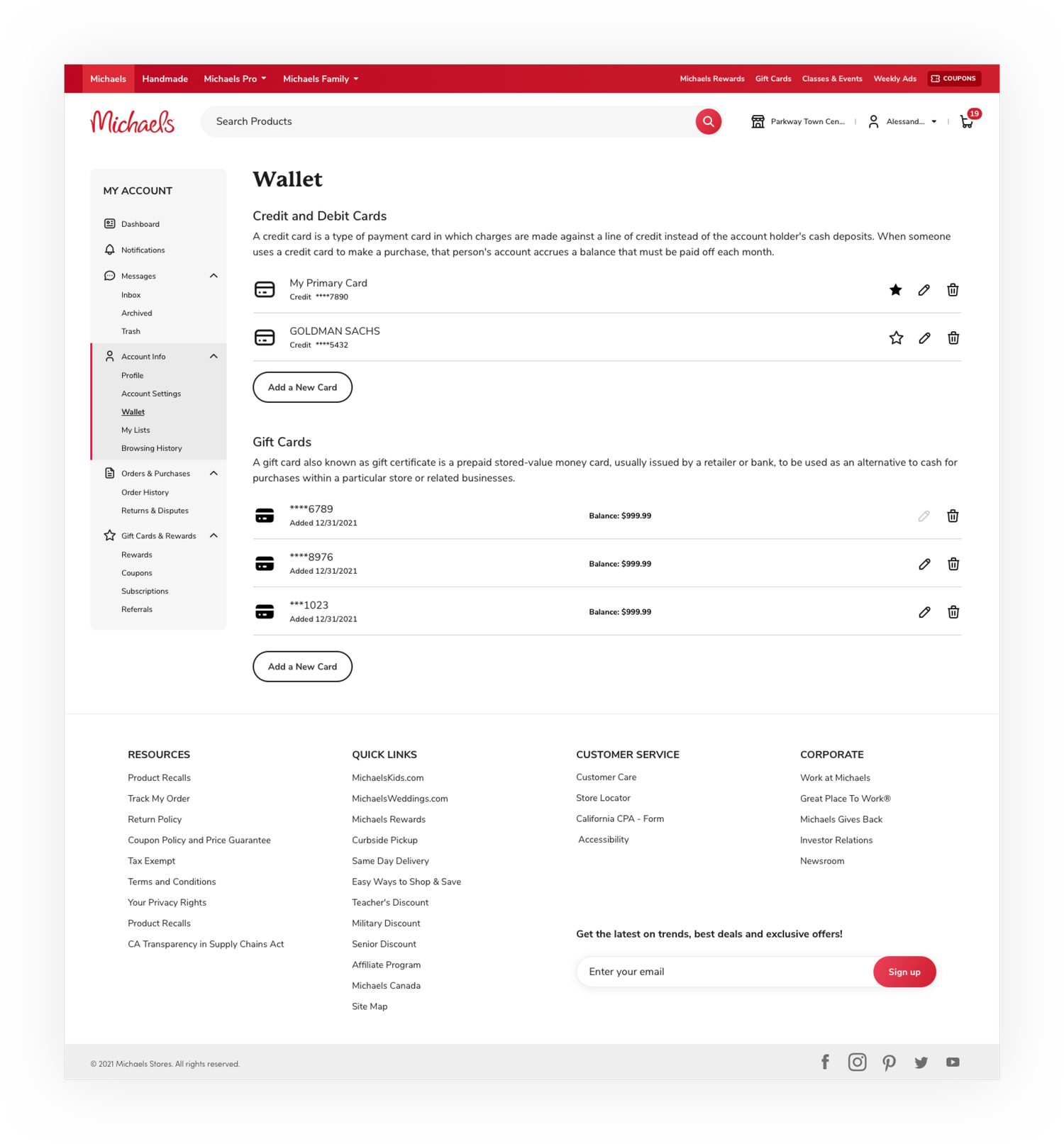
Trust & policies: clear fee breakdown, payout timeline, seller protection info, and easy-to-find help resources.
Accessibility & scale: semantic markup, keyboard and screen-reader support, and reusable component library for rapid rollout.
Key user flows
Onboard → Create first listing (photo → copy → price → publish).
Manage inventory → Fulfill order → Track payouts.
Edit listings in bulk → Update inventory/pricing → Analyze performance.
Prototyping & testing
Low-fidelity wireframes to validate the guided flow with hobbyist and small-business personas.
High-fidelity interactive prototypes for mobile and desktop tested with 8–12 sellers across persona types. Measured time-to-first-listing, error rate, content completeness, and user satisfaction.
A/B tested listing guidance (inline tips vs. template prompts) to measure lift in listing completeness and conversion.
Outcomes (targets / observed)
Reduced time-to-first-listing (target: 40–60% faster).
Increased listing completeness and image quality (fewer support tickets and higher CTR).
Higher conversion on improved listings (target: +15–30% for listings following templates).
Lower operational strain via bulk tools and clearer policies for marketplace ops.
Design deliverables
Onboarding and listing flow wireframes and prototypes.
Mobile quick-list UI & bulk upload UX.
Order/inventory dashboard designs.
Listing templates, photo guidelines, and microcopy library.
Component specs for dev handoff and accessibility checklist.
A/B test plan and measurement dashboard.